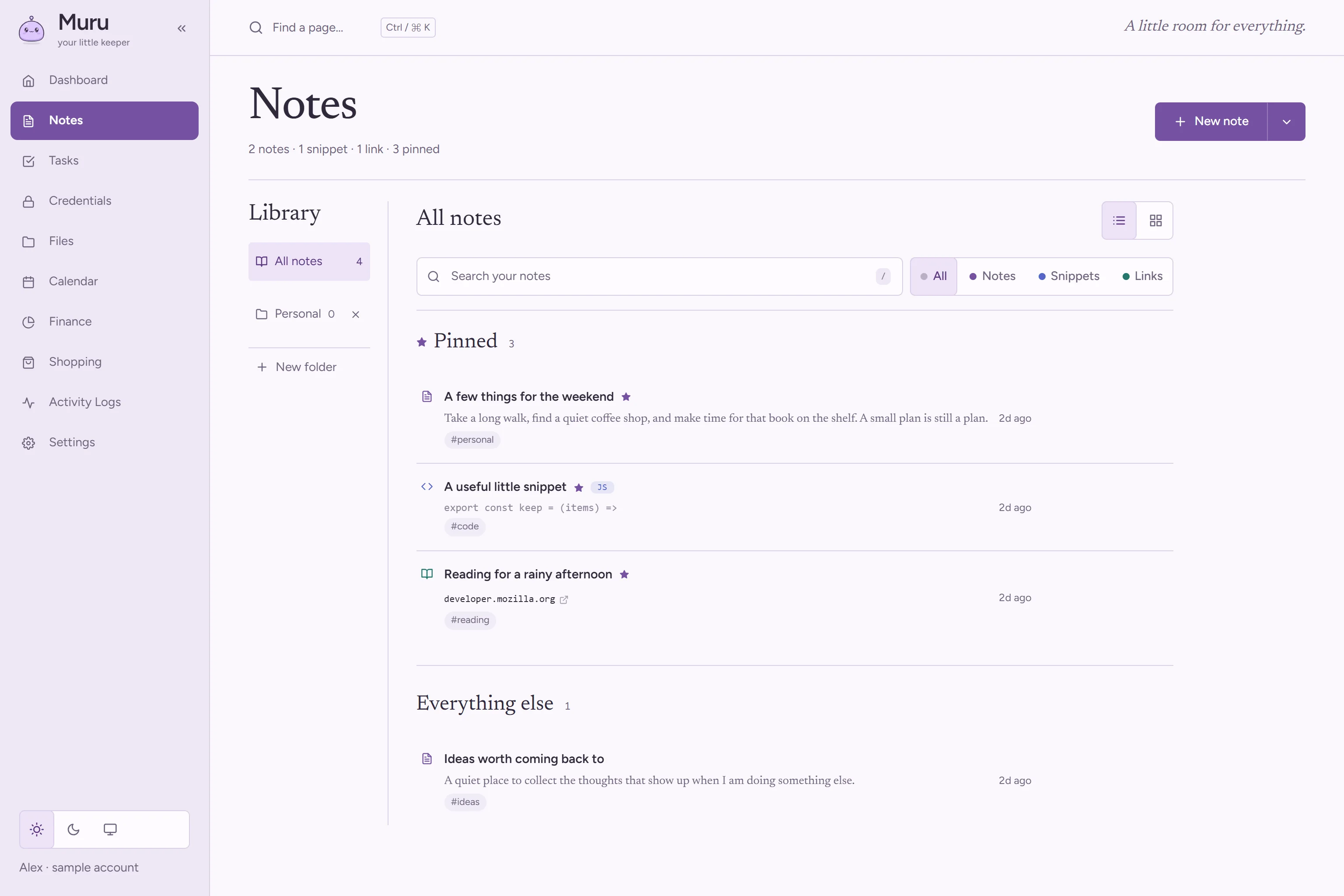
Keep thoughts nearby.
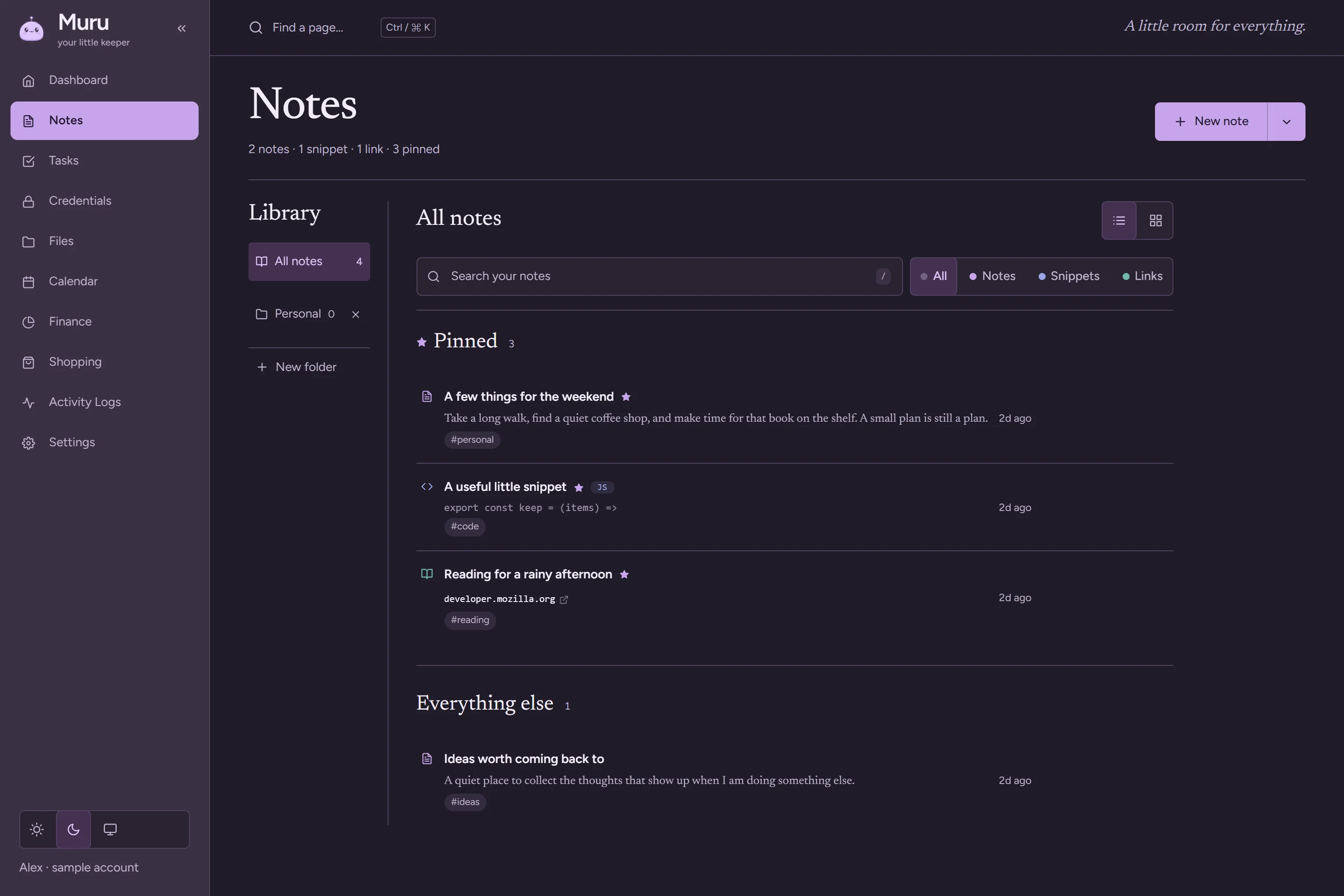
Ideas, snippets and links in one library you'll actually come back to.
- Pin what matters to the top
- Code keeps its language and line numbers
- Lock a note with your vault passphrase
A note on privacy
Muru uses a few essential cookies and local storage to work: your login session, your theme and layout preferences, and offline pages. No advertising or tracking cookies. Learn more
Hi, I’m Muru. Your notes, tasks, files, calendar, money, shopping list and passwords, in one calm place that belongs to you.
Free to use. Passwords are encrypted in your browser.
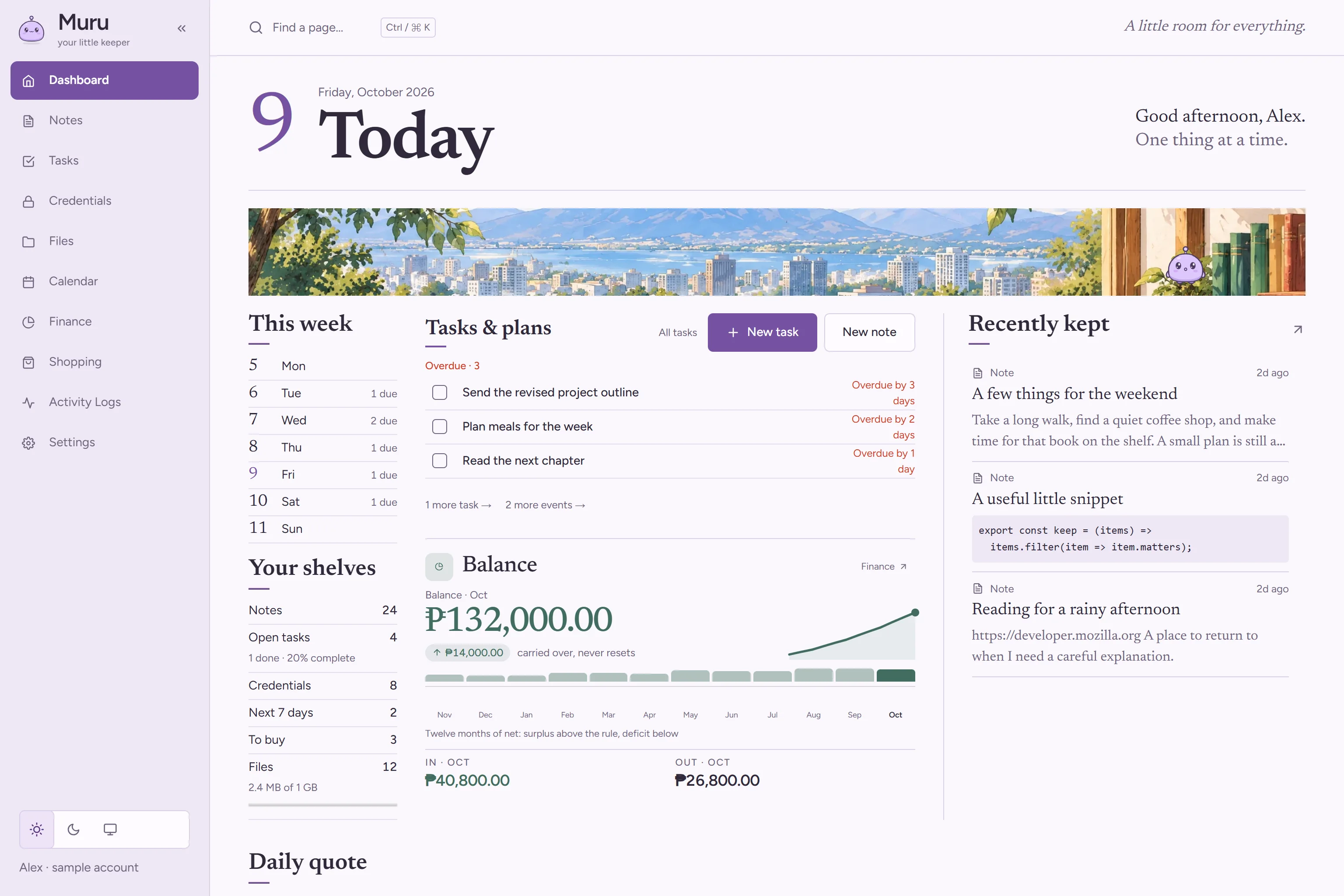
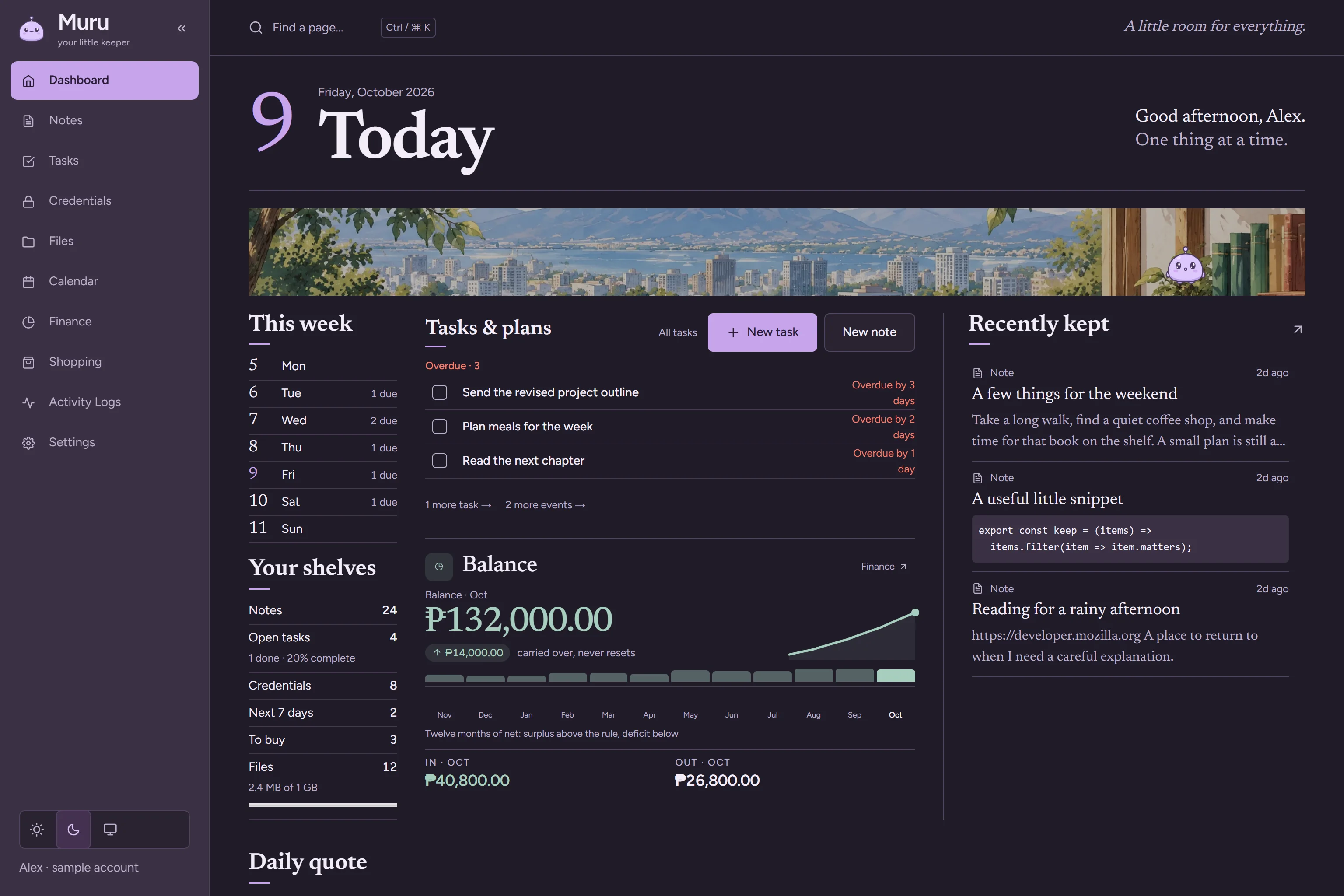
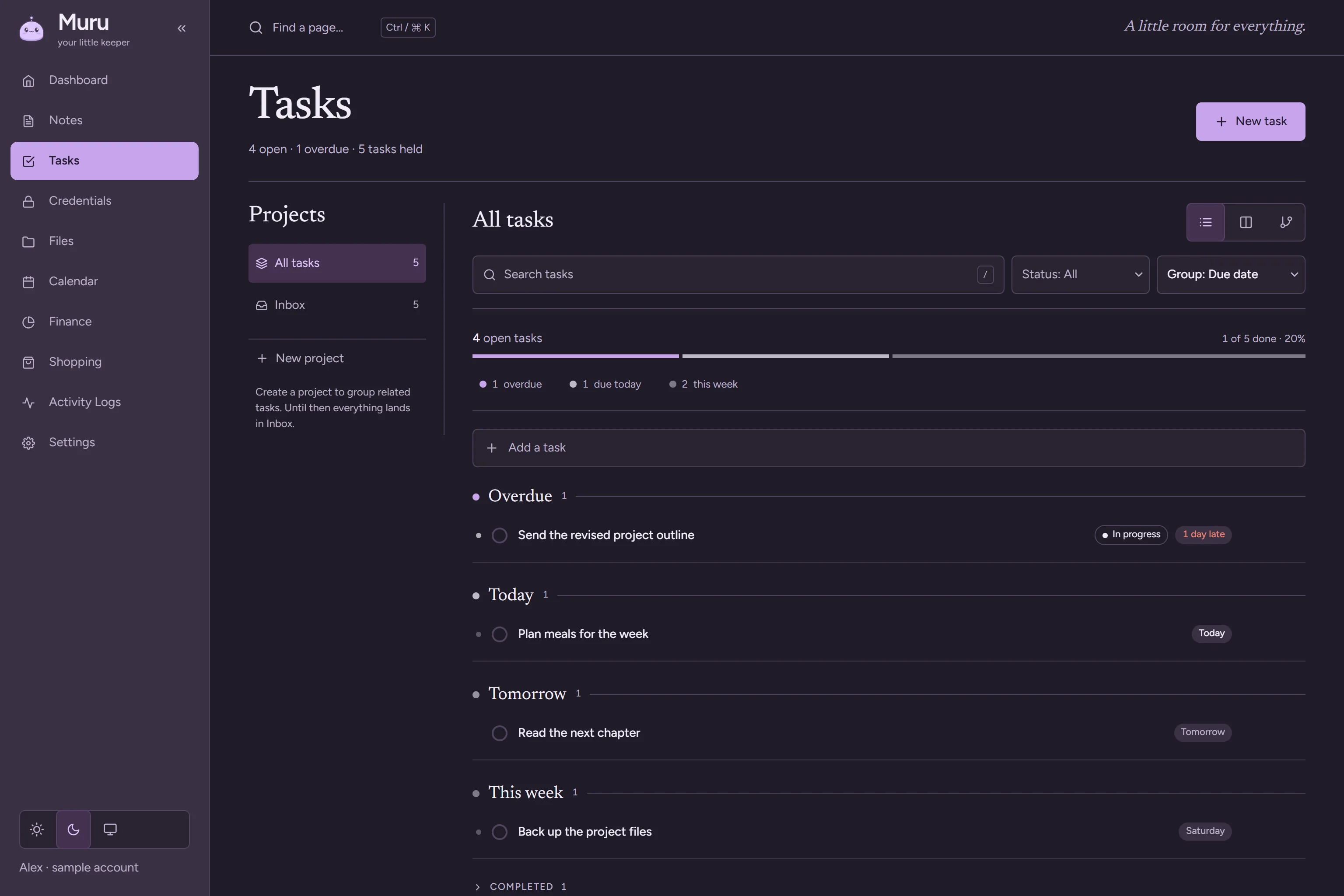
A look inside Muru · sample content
All the little things. One little keeper.
60 seconds, with sound · sample content
Pick one to see it.
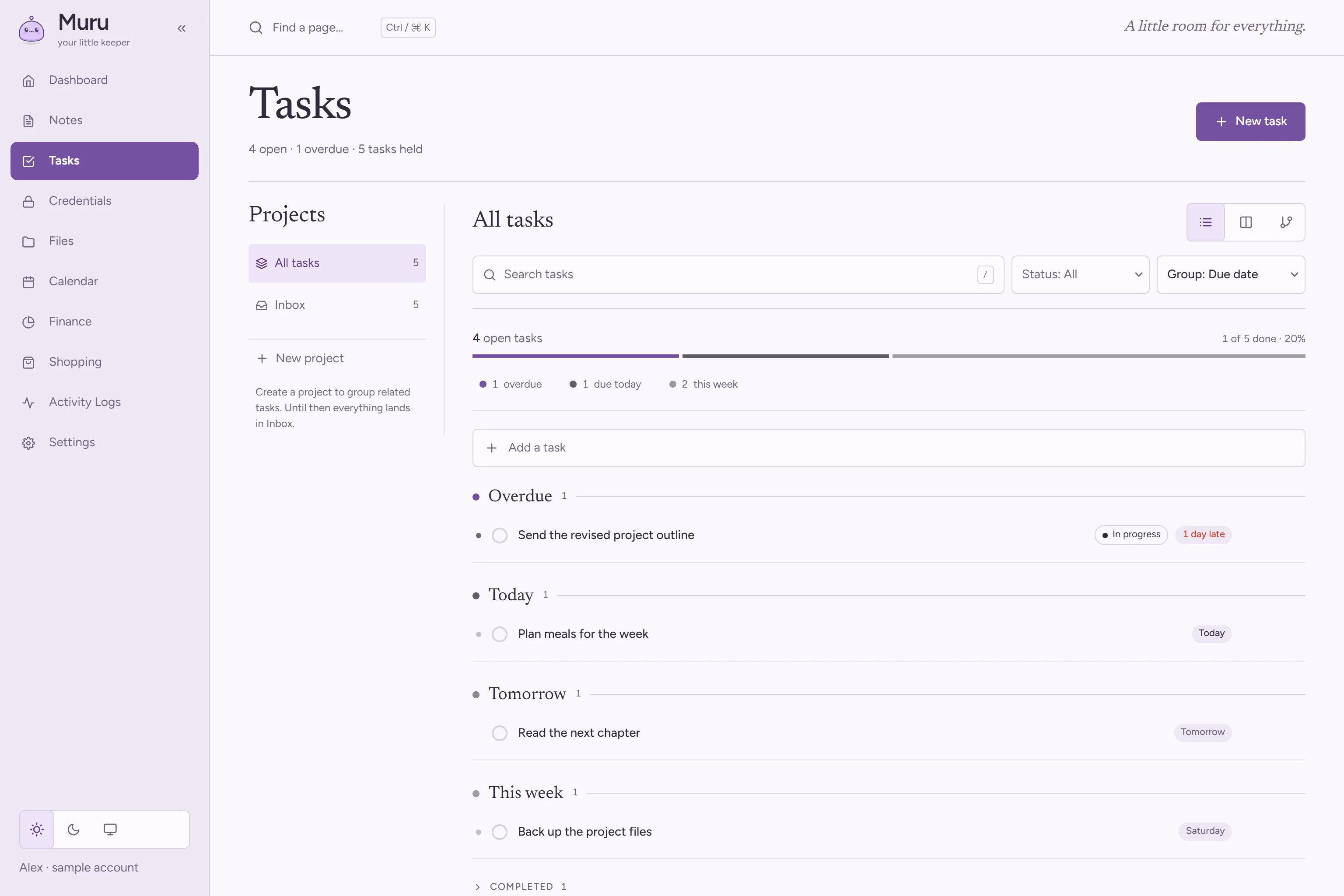
Priorities, projects and subtasks, shown as a list, a board or a tree. A bar at the top shows what is overdue, due today and due this week.
Ideas, snippets and links in one library you'll actually come back to.
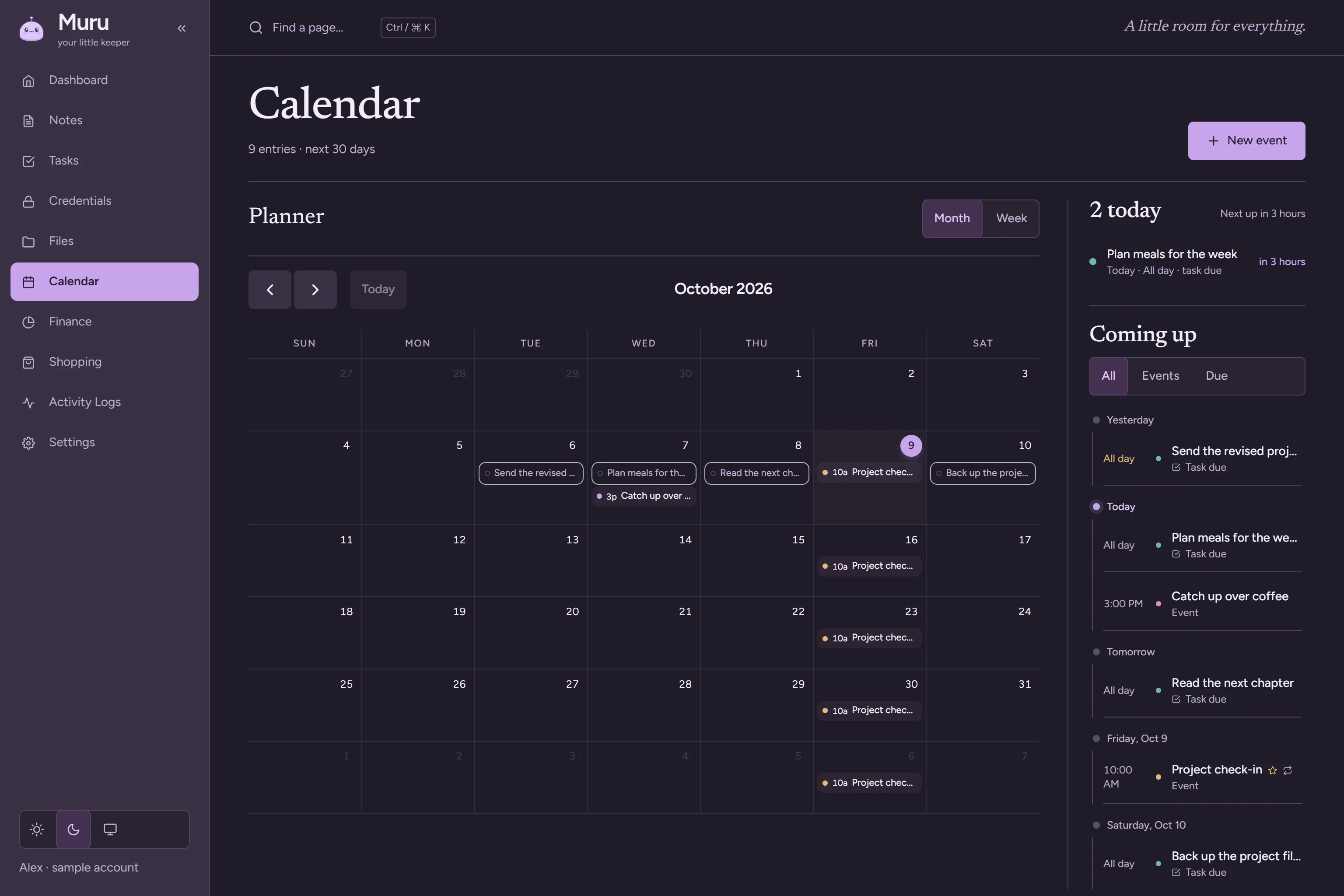
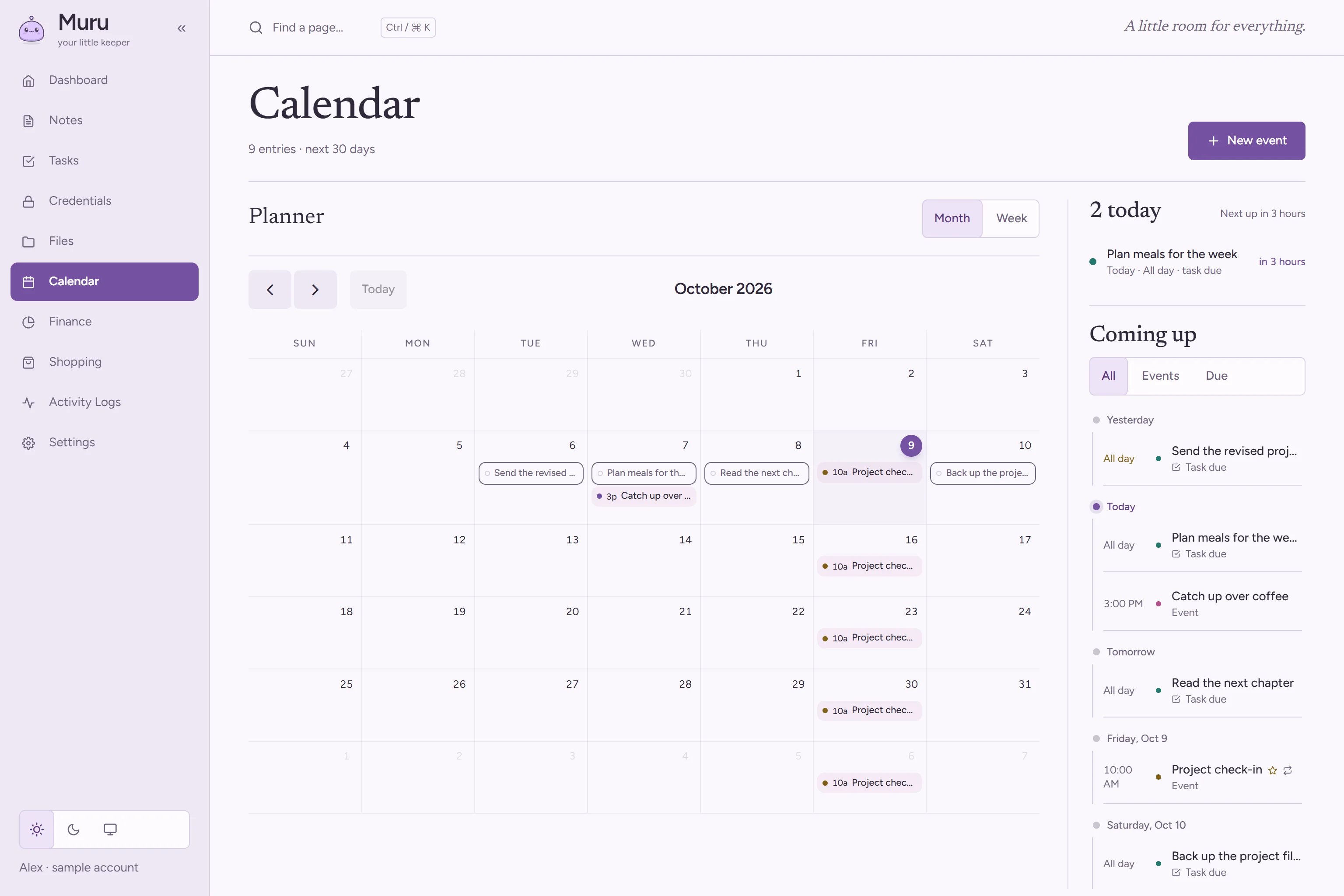
Deadlines and plans in one place, so the day starts with what matters.
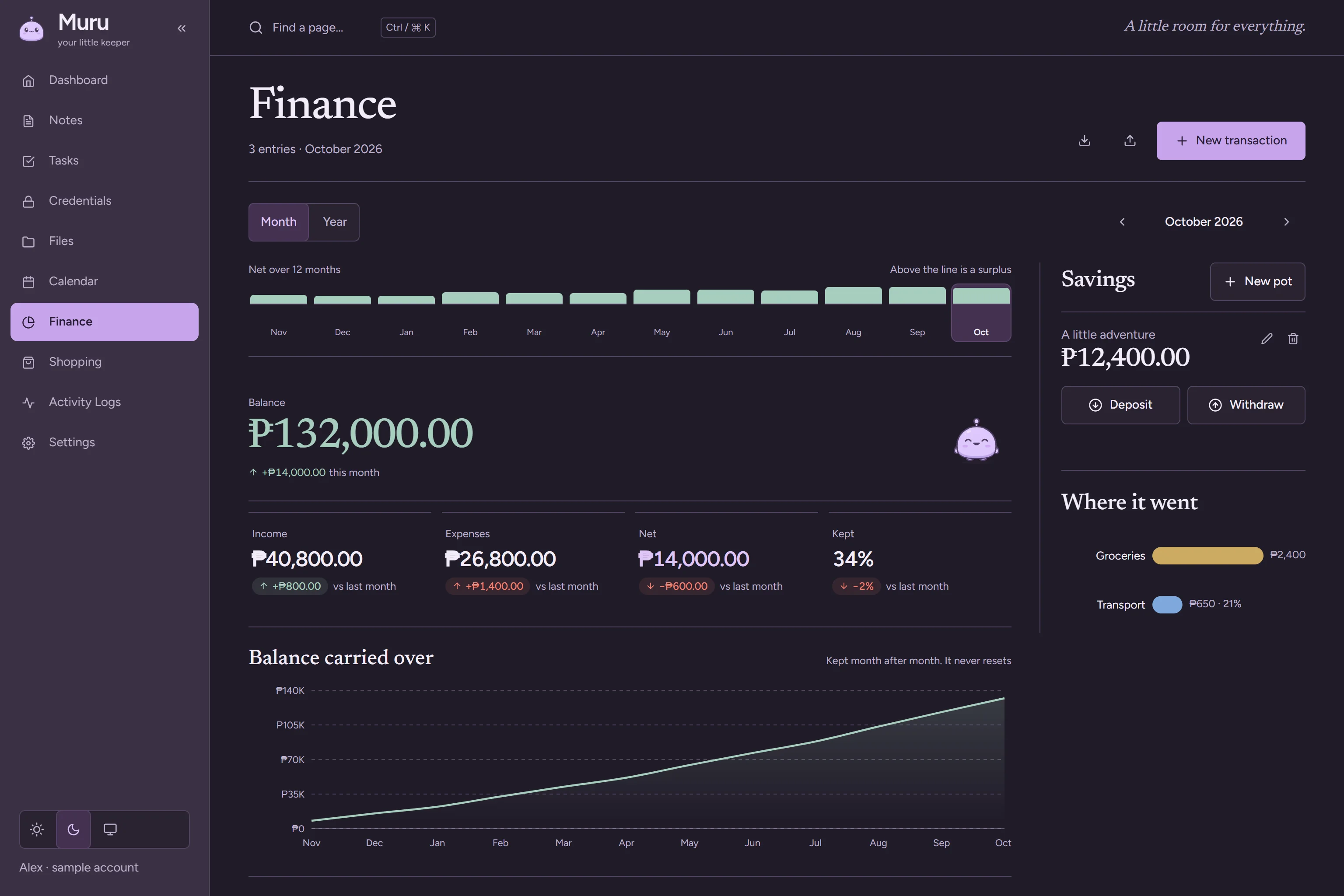
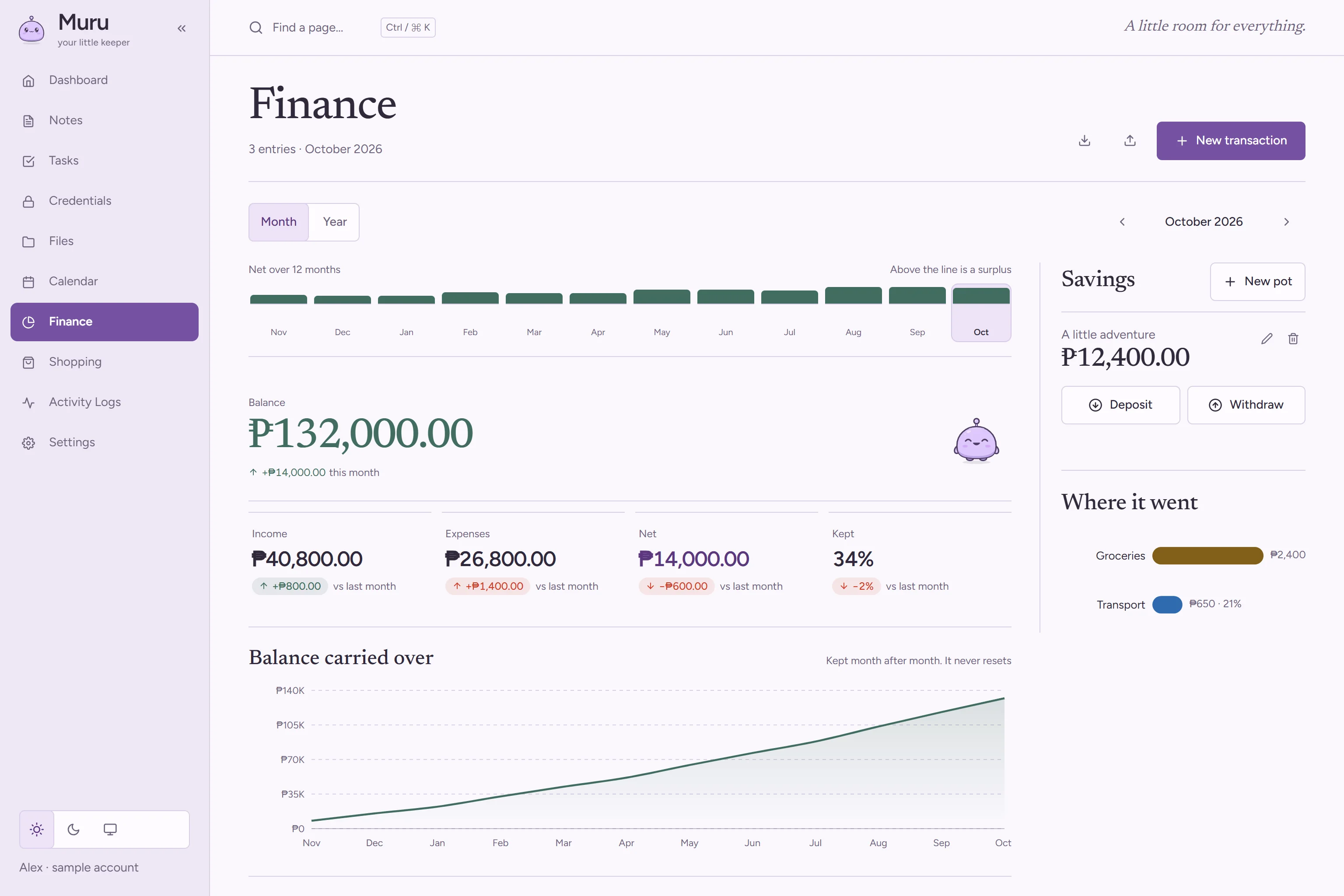
What came in, what went out, and a balance that carries over month to month.
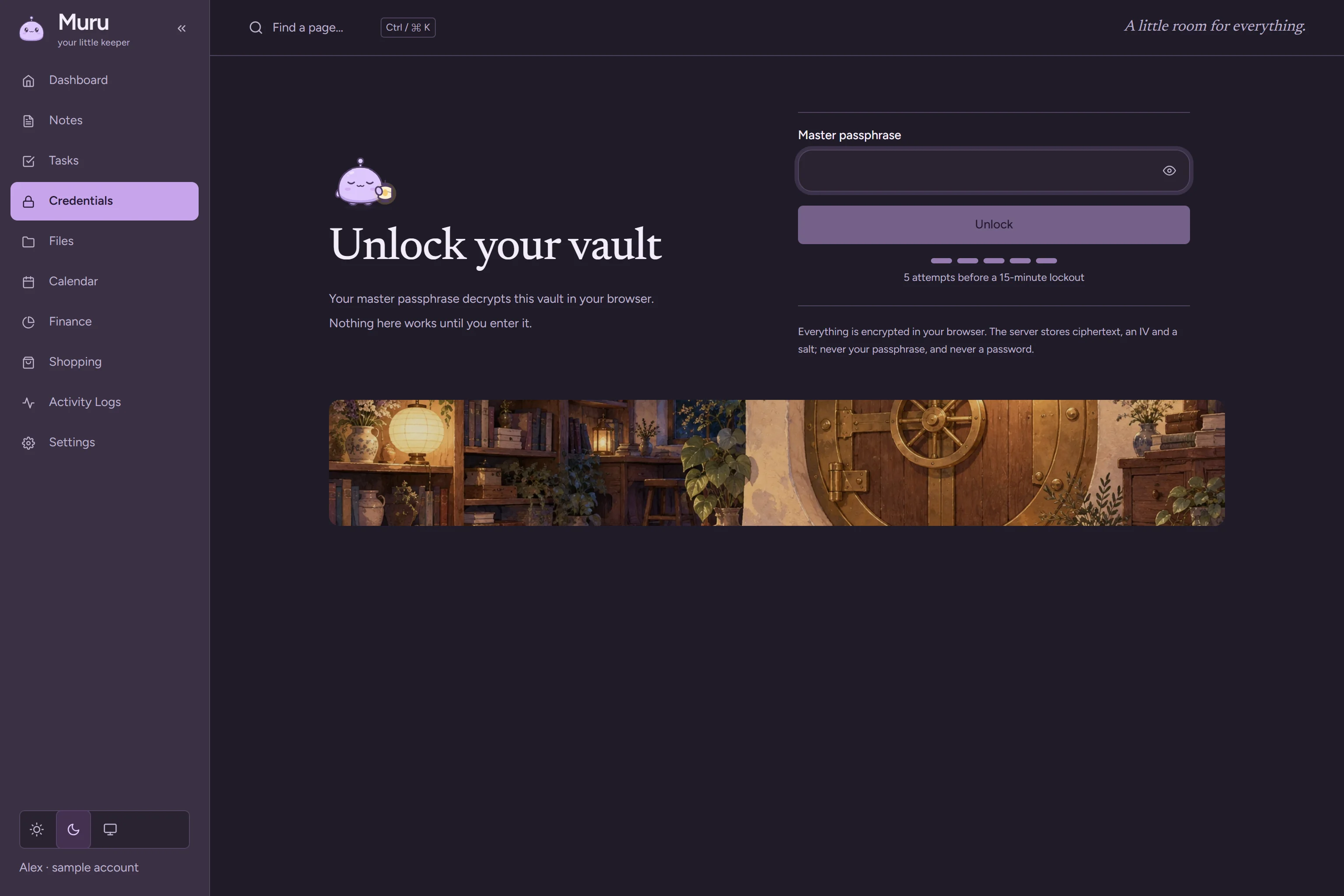
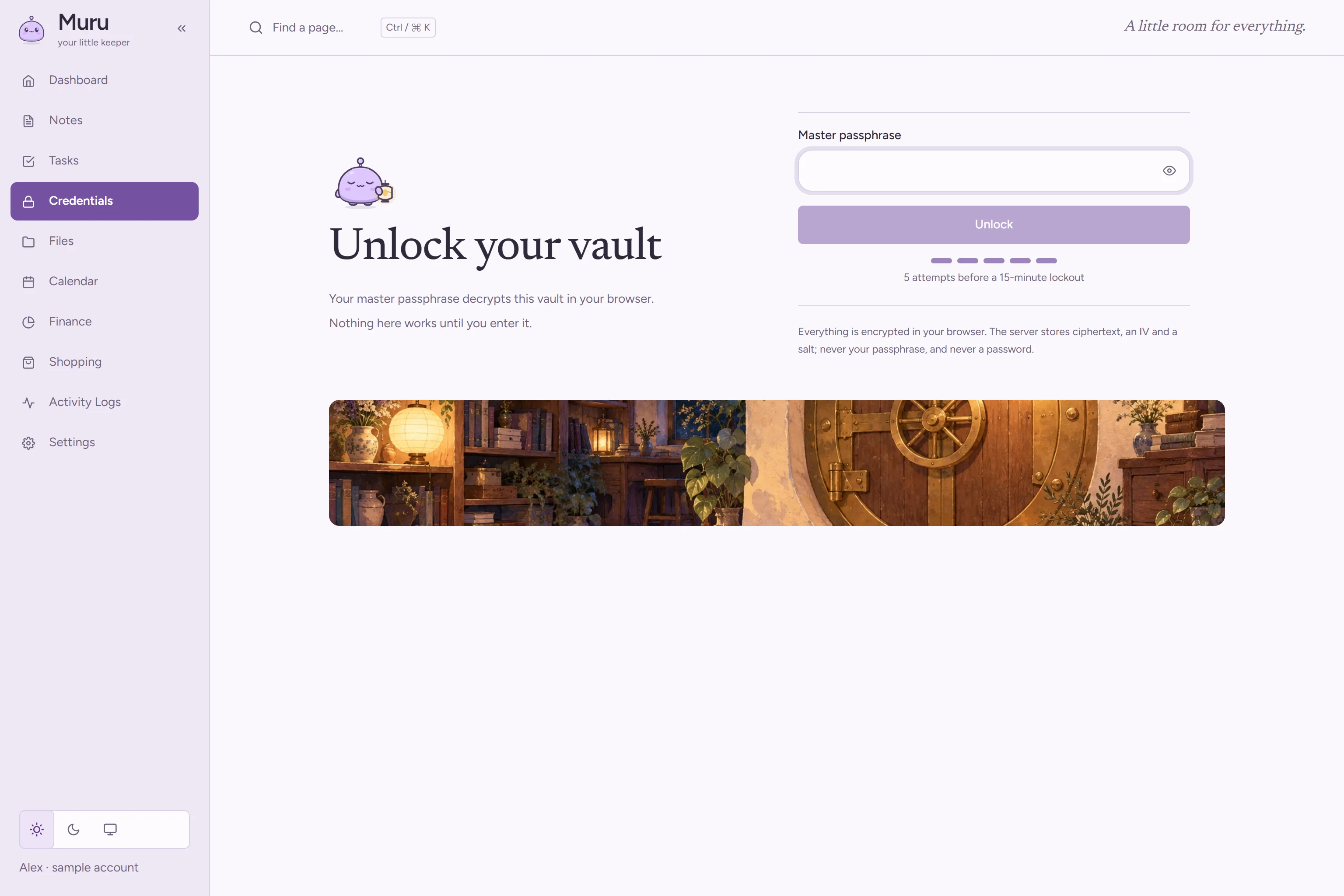
Passwords, locked notes and any file you choose to encrypt are sealed on your device before they're saved. The server stores the encrypted form, never the text.
The key comes from your master passphrase, stretched with Argon2id. The passphrase itself is never sent or stored.
Every record is tied to your account and protected by row-level security in the database, so no other account can read it.
The activity log records what happened, like a vault unlock or a file download, never what was inside.
There is no passphrase reset. Because only you hold the key, nobody can recover a locked vault, including us. Keep your master passphrase somewhere safe.
Request access, and if it’s approved we’ll email you an invitation to set up your account.
Request access